
Best Sim Racing Monitors – Buyer’s Guide
Best Sim Racing Monitors — The Screens That Actually Make Racing Feel Real
For years, I focused on wheels, pedals, and rigs — but the day I upgraded my monitor, the whole driving experience changed. The right display doesn’t just make things look better. It affects how well you judge braking markers, how early you spot apexes, how stable the sense of speed feels, and how connected you feel to the car. A monitor can literally make your racing more consistent. You may miss these best monitors for sim racing.
I’ve tested single monitors, triple setups, curved ultrawides, OLEDs, IPS panels, high refresh LCDs — you name it. After countless races in ACC, iRacing, Dirt Rally and F1, here’s what genuinely matters and which monitors are worth your money.
What Matters When Choosing a Sim Racing Monitor
- Refresh Rate (144Hz or higher): Smooth motion reduces eye strain and improves reaction timing.
- Resolution (1440p or higher): More clarity = easier apex spotting and better depth perception.
- Size & Field of View: Bigger or wider gives more immersion, without VR headaches.
- Panel Type: IPS = best color and viewing angles. OLED = best contrast and speed.
- Curve: Helps wrap the track into your peripheral vision — especially for ultrawide screens.
Quick rule: If you play mostly on one monitor — go ultrawide. If you want full cockpit realism — go triples.
Single Ultrawide vs Triple Monitor Setup
Ultrawide (34–49″) gives massive immersion with simpler setup. You see mirrors, track edges, and cockpit without moving your head.
Triple Monitors give the widest FOV possible but require space, a stiff rig, and more GPU muscle.
Personally, I run a 34″ ultrawide for GT racing and F1, and switch to triples only when I’m feeling extra sweaty.
Disclosure: This article contains affiliate links. This means that if you click on a link and make a purchase, we may receive a small commission at no additional cost to you.
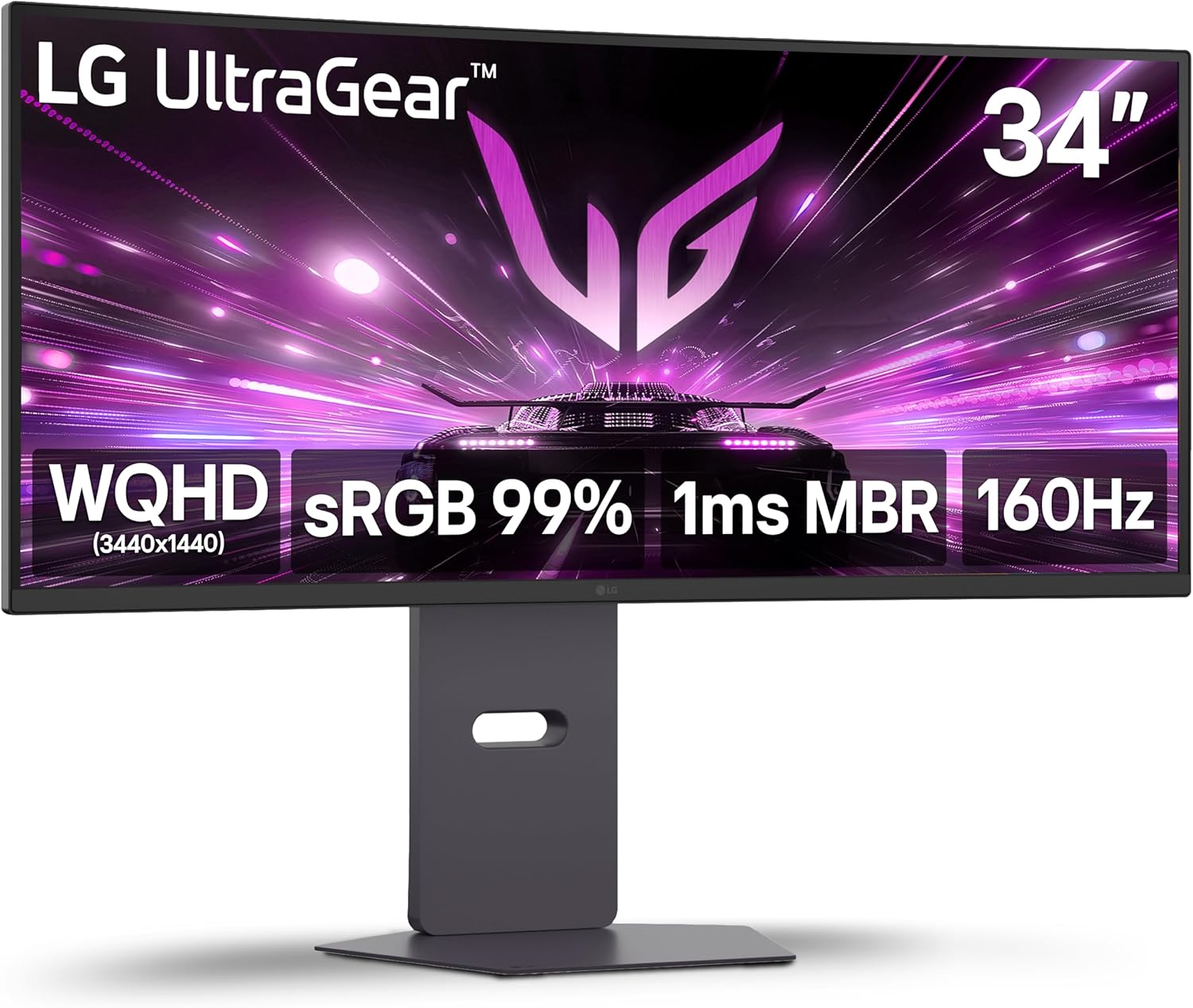
LG 34G600A-B 34-inch Ultragear WQHD (3440 x 1440)
LG 34G600A-B 34-inch Ultragear WQHD (3440 x 1440) Curved Gaming Monitor 160Hz, AMD FreeSync Premium, HDR10, Built-in Speaker, Reader Mode, HDMI 2.1, DisplayPort, Tilt/Height/Swivel Stand, Black
Check Price on Amazon.com
SAMSUNG 49” Odyssey G9 Series DQHD 1000R Curved Gaming Monitor
SAMSUNG 49” Odyssey G9 Series DQHD 1000R Curved Gaming Monitor, 1ms(GtG), VESA DisplayHDR 1000, 240Hz, AMD FreeSync Premium Pro, Height Adjustable Stand, Ultrawide Screen, LS49CG954ENXZA, 2024
Check Price on Amazon.com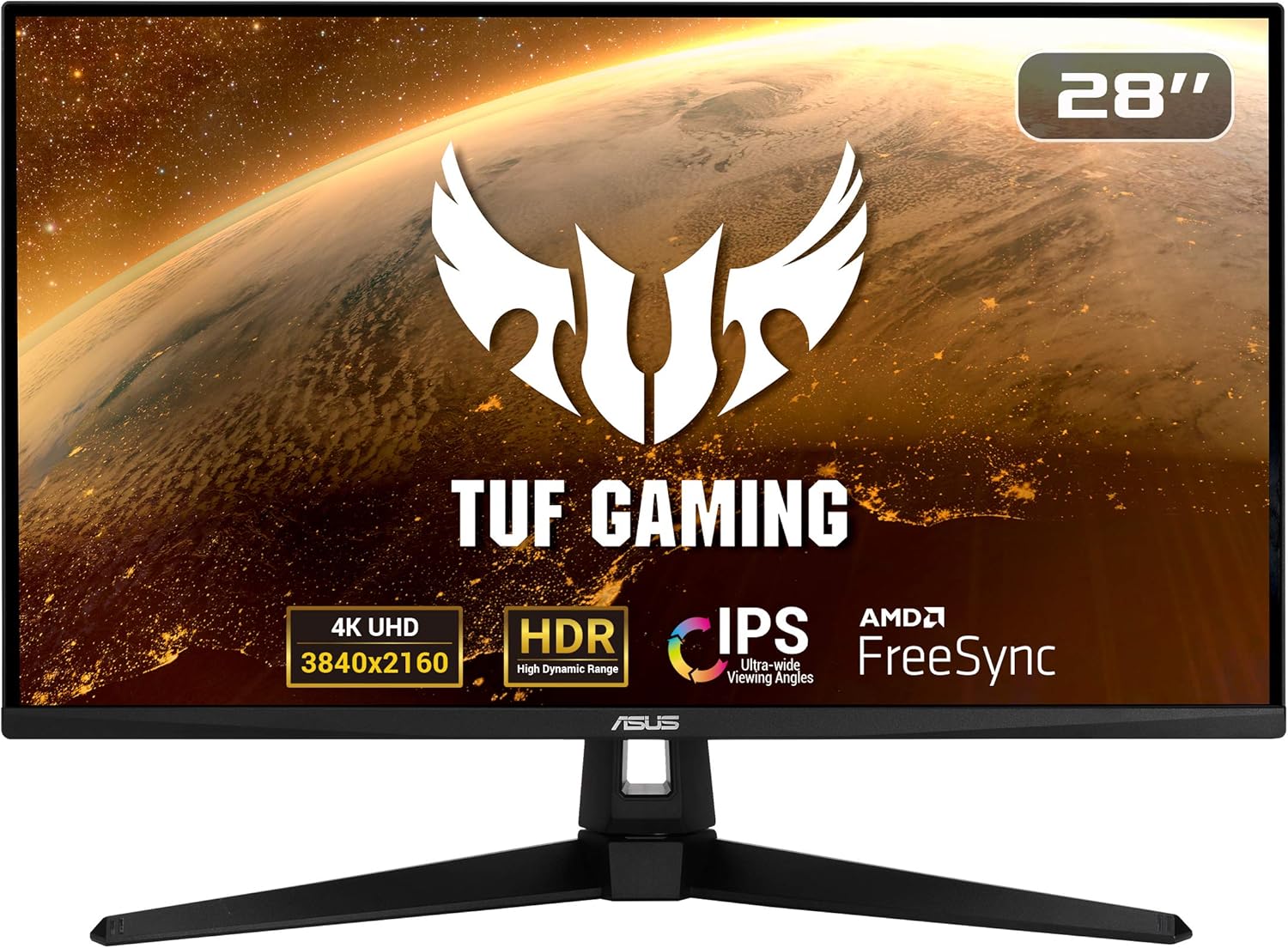
ASUS TUF Gaming VG289Q1A 28” Monitor, 4K UHD
ASUS TUF Gaming VG289Q1A 28” Monitor, 4K UHD (3840 x 2160), IPS, Adaptive-Sync/ FreeSync, Eye Care, DisplayPort HDMI, DCI-P3 HDR 10, Shadow Boost, Black
Check Price on Amazon.com
MSI G273QPF, 27" Gaming Monitor, 2560 x 1440 (QHD)
MSI G273QPF, 27" Gaming Monitor, 2560 x 1440 (QHD), Rapid IPS, 1ms, 165Hz, G-Sync Compatible, HDMI, Displayport, Tilt, Swivel, Height Adjustable, Pivot
Check Price on Amazon.comBest Sim Racing Monitor Picks (From My Actual Use)
1) LG 34G600A-B — Best Budget 34″ Ultrawide for Immersive Gaming
LG 34G600A-B 34-inch Ultragear WQHD (3440 x 1440) Curved Gaming Monitor 160Hz
LG 34G600A-B 34-inch Ultragear WQHD (3440 x 1440) Curved Gaming Monitor 160Hz, AMD FreeSync Premium, HDR10, Built-in Speaker, Reader Mode, HDMI 2.1, DisplayPort, Tilt/Height/Swivel Stand, Black
Check Price on Amazon.com34″, 3440×1440 WQHD, 160Hz, VA curved panel. Wide, sharp, and smooth — the combo that makes ultrawide gaming feel instantly more immersive. FreeSync Premium keeps motion buttery, HDR10 gives nicer pop, and you still get built-in speakers plus HDMI 2.1 and DisplayPort for easy PC/console use.
Friend: “Racing games felt completely different on this. The wider view actually let me catch apexes instead of guessing.”
My take: If you’re coming from a 1080p or standard 16:9 monitor, this is one of those upgrades that makes you go, “Oh. Now I get why people love ultrawide.” It’s big, smooth, and cinematic — without the premium-price pain.
2) Samsung Odyssey G9 (49″) — The Immersion Monster
SAMSUNG 49” Odyssey G9 Series DQHD 1000R Curved Gaming Monitor, 1ms(GtG)
Amazon Prime Logo Enjoy fast, free delivery, exclusive deals, and award-winning movies & TV shows. Join Prime Buy new: $740.24 FREE delivery Saturday, November 29 Or Prime members get FREE delivery Tomorrow, November 24. Order within 15 hrs 19 mins. Join Prime Deliver to Orlando 32801 In Stock Quantity: 1 Quantity:1 Add to Cart Buy Now Shipper / Seller Amazon.com Returns FREE refund/replacement until Jan 31, 2026 Payment Secure transaction See more Add a Protection Plan: Samsung Care+ Protection 2 YR for $39.99 Samsung Care+ Protection 5 YR for $179.99 Complete Protect: One plan covers all eligible past and future purchases for $16.99/month Save with Used - Like New $732.84 FREE delivery Saturday, November 29 Ships from: Amazon Sold by: Amazon Resale Add to List Other sellers on Amazon New & Used (10) from $732.84 & FREE Shipping. Sponsored 25+ 7 VIDEOS SAMSUNG 49” Odyssey G9 Series DQHD 1000R Curved Gaming Monitor, 1ms(GtG), VESA DisplayHDR 1000, 240Hz, AMD FreeSync Premium Pro, Height Adjustable Stand, Ultrawide Screen, LS49CG954ENXZA, 2024 Click to see full view Ask Rufus Does it have built-in speakers? What is the response time? Can it be wall-mounted? Ask something else SAMSUNG 49” Odyssey G9 Series DQHD 1000R Curved Gaming Monitor, 1ms(GtG), VESA DisplayHDR 1000, 240Hz, AMD FreeSync Premium Pro, Height Adjustable Stand, Ultrawide Screen, LS49CG954ENXZA, 2024
Check Price on Amazon.com49″ 5120×1440 super ultrawide with an aggressive 1000R curve. It wraps around your vision like a racing helmet. F1 feels insane. GT3 feels cinematic. Rally feels wild.
Brother: “This feels like sitting inside the track, not just looking at it.”
Warning: It requires a strong GPU. And once you go G9, you won’t want to go back.
3) ASUS TUF VG289Q — Best Budget 4K for Sim Racers
ASUS TUF Gaming VG289Q1A 28” Monitor, 4K UHD
ASUS TUF Gaming VG289Q1A 28” Monitor, 4K UHD (3840 x 2160), IPS, Adaptive-Sync/ FreeSync, Eye Care, DisplayPort HDMI, DCI-P3 HDR 10, Shadow Boost, Black
Check Price on Amazon.comNot ultrawide, but clean, sharp, affordable 4K. If you race casually or also use your PC for work, this is a great all-rounder.
Sister: “It looked gorgeous and didn’t hurt my eyes after hours.”
Best for: Racing + daily use + limited desk space.
4) MSI G273QPF — Best Value 27″ QHD Monitor for Competitive Gaming
MSI G273QPF, 27" Gaming Monitor, 2560 x 1440 (QHD)
MSI G273QPF, 27" Gaming Monitor, 2560 x 1440 (QHD), Rapid IPS, 1ms, 165Hz, G-Sync Compatible, HDMI, Displayport, Tilt, Swivel, Height Adjustable, Pivot
Check Price on Amazon.com27″, 2560×1440 QHD, 165Hz, Rapid IPS, 1ms response. Clean, sharp, fast — exactly what you want if you play shooters, racers, or anything that rewards quick reactions. G-Sync Compatible keeps motion stable, and the fully adjustable stand (tilt/swivel/height/pivot) makes dialing in your setup effortless.
Friend: “I swapped from a 1080p 60Hz panel and it felt like cheating. Everything was sharper, and the higher refresh made tracking targets way easier.”
My take: If you want that perfect middle ground — better clarity than 1080p, smoother motion than 144Hz, and IPS colors that don’t wash out — this is the monitor that makes you think, “Yep, this was absolutely worth the upgrade.”If You Want Triples — Get 3 of the Same Model
I recommend: 3× 27″ 1440p 144Hz IPS. Clean, consistent, and GPU-friendly.
Mixing models = mismatched brightness and viewing angles — trust me, it’ll annoy you every race.
Mounting & Positioning Tips
- Place the screen at eye level — no tilting your neck.
- Distance: roughly arm’s length or slightly closer.
- Use monitor arm mounts when possible — improves angle & cockpit alignment.
- Don’t angle the screen up or down — keep center aligned with your line of sight.
Small tweak that changed everything for me: Lowering the monitor by 2cm helped match the in-game steering wheel to my real one, making everything feel more “one-to-one.”
Final Recommendation
- Best Overall: LG 34GP83A-B (34″ Ultrawide, 144Hz)
- Best Immersion: Samsung Odyssey G9 (49″)
- Best Budget Setup: MSI G273QF (27″ 1440p 165Hz)
- Best Work + Racing Combo: ASUS TUF VG289Q (4K IPS)
Truth is: The best monitor is the one that disappears — where you stop noticing the screen and start focusing entirely on the flow of racing.
Once your display no longer distracts your eyes or limits your vision, sim racing stops feeling like a setup… and starts feeling like a cockpit.

My name is Michael “Mick” Carter, and I’m a dedicated sim racing enthusiast with a deep love for motorsport. I first discovered sim racing in 2015 when a friend introduced me to a Logitech G27 and Assetto Corsa—an experience that immediately hooked me. Since then, I’ve gone from basic gear to advanced direct drive setups, VR headsets, and custom racing rigs, constantly refining my driving technique and equipment.
I mainly race in iRacing, ACC, and rFactor 2, focusing on GT3 endurance and open-wheel events. I’m not a professional driver—I’m simply someone who enjoys the craft of racing: learning car behavior, improving lap times, and battling for position with respect and skill.
I share what I’ve learned so others can build setups they enjoy and grow their own passion for sim racing. For me, the joy is in improving, one race at a time.
Owner at SimRacingCockpits.Com